
Best Apps to Watch IPTV on Smart TV (2026) with Lemo IPTV
Smart TVs have transformed the way people enjoy entertainment. Instead of relying on traditional cable services, many users now prefer IPTV solutions that offer flexibility, convenience, and access to a wide variety of content.
If you’re planning to use lemo iptv on your television, choosing the right application is essential. The quality of your viewing experience depends not only on your IPTV subscription but also on the IPTV player you use. Some apps offer better performance, smoother navigation, and advanced features like EPG support and catch-up TV.
In this guide, we’ll explore the best IPTV apps for Smart TV in 2026, their key features, and how to choose the right one for your streaming needs.
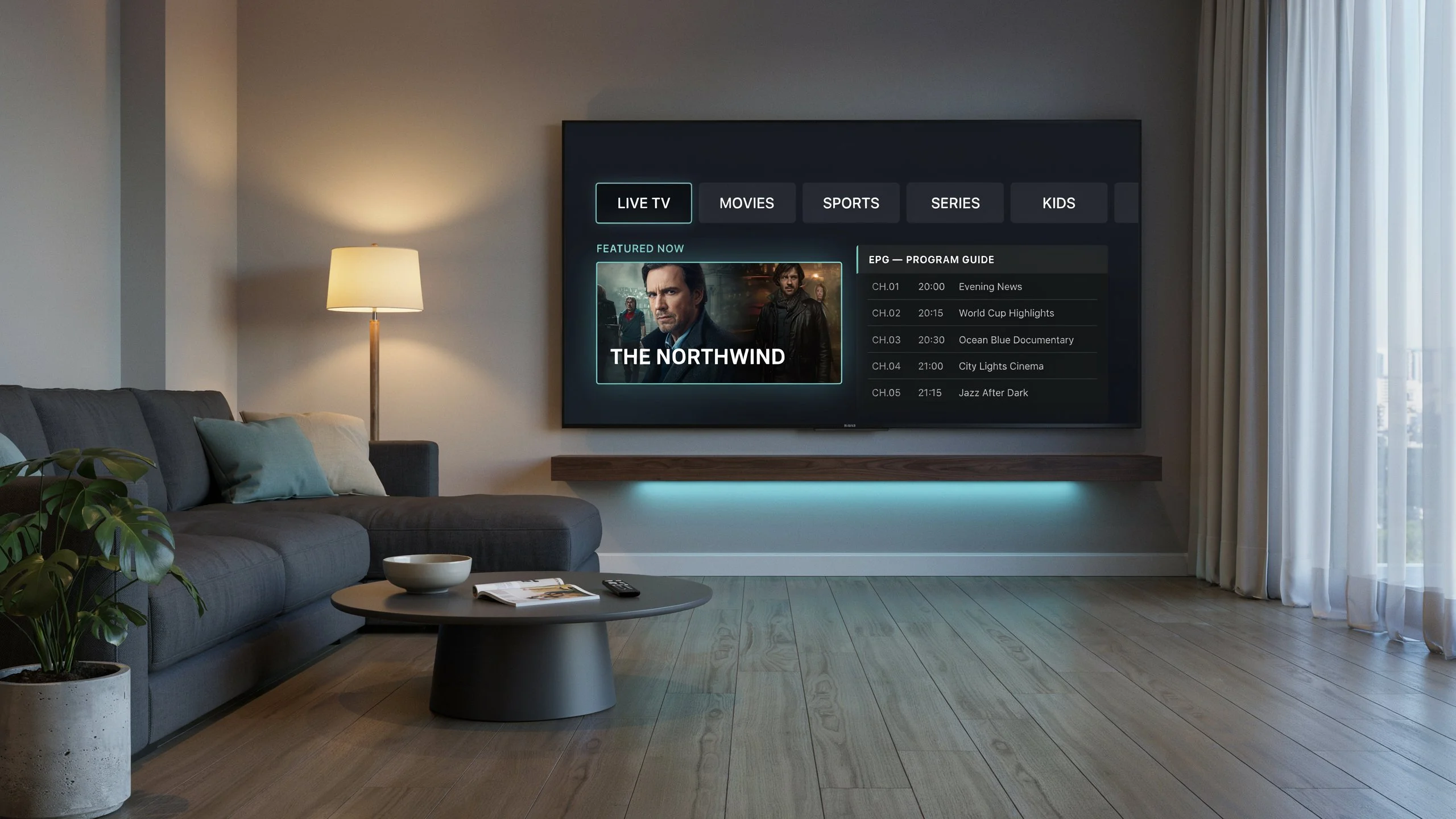
Why Choosing the Right IPTV App Matters
Not all IPTV streaming apps are created equal. While most IPTV services provide playlists or login credentials, the app you choose determines how efficiently content is displayed and streamed.
Benefits of using a high-quality IPTV player include:
- Faster channel loading
- Better video playback
- Improved user interface
- Electronic Program Guide (EPG) support
- Catch-up and recording features
- Enhanced compatibility across devices
For users of lemo iptv, selecting a reliable IPTV player ensures a smooth and enjoyable viewing experience.
What to Look for in Smart TV IPTV Apps
Before downloading an IPTV player, consider the following features:
Easy Setup
A beginner-friendly interface helps users quickly add playlists or portal information without technical knowledge.
EPG Support
An Electronic Program Guide allows users to browse channels and schedules easily.
High Streaming Performance
The best IPTV player for Smart TV should offer stable playback and minimal buffering.
Multi-Device Compatibility
Many users switch between Smart TVs, smartphones, tablets, and streaming devices. A versatile app makes this easier.
Regular Updates
Apps that receive frequent updates generally offer better security, performance, and compatibility.
Best IPTV Apps for Smart TV in 2026
IPTV Smarters Pro
One of the most popular IPTV apps for Smart TV, IPTV Smarters Pro remains a top choice in 2026.
Key Features
- Modern user interface
- EPG integration
- Multiple playlist support
- VOD and live TV categories
- External player support
Why It’s Great for Lemo IPTV
Many users choose IPTV Smarters Pro because it works seamlessly with IPTV services and provides an easy setup process.
TiviMate IPTV Player
TiviMate has earned a strong reputation among IPTV enthusiasts.
Key Features
- Premium interface
- Advanced playlist management
- Favorites organization
- Custom channel groups
- EPG support
Best For
Users looking for a premium viewing experience on Android-based Smart TVs.
Smart IPTV
Smart IPTV has been a trusted option for years and continues to be a reliable IPTV streaming app.
Key Features
- Playlist upload support
- Simple navigation
- Stable performance
- Compatible with many Smart TV brands
Best For
Users seeking a straightforward IPTV player without unnecessary complexity.
IBO Player
IBO Player continues to gain popularity among Smart TV users.
Key Features
- Fast loading times
- Clean design
- EPG support
- High compatibility
Best For
Those who want a lightweight and efficient IPTV player.
Flix IPTV
Flix IPTV offers a balanced combination of performance and features.
Key Features
- Multi-language support
- Playlist management
- Custom themes
- Subtitle support
Best For
Families and international viewers who prefer a customizable interface.
How to Watch IPTV on Smart TV
Setting up IPTV on a Smart TV is generally straightforward.
Step 1: Install an IPTV Player
Download one of the recommended Smart TV IPTV apps from your device’s app store.
Step 2: Get Your IPTV Credentials
Your IPTV provider will typically supply:
- Playlist URL
- Xtream Codes login
- Portal URL
Step 3: Add Your Account
Open the IPTV player and enter the credentials provided by your IPTV service.
Step 4: Load Channels
Once connected, the application will automatically load available channels and content categories.
Step 5: Start Streaming
Browse channels, movies, and series directly from your Smart TV.
Benefits of Using Lemo IPTV on Smart TV
Many users prefer lemo iptv because it offers flexibility and convenience across multiple devices.
Some advantages include:
- Access to live TV channels
- On-demand entertainment
- Compatibility with popular IPTV players
- User-friendly setup process
- Streaming across multiple supported devices
When paired with a quality IPTV player, the overall viewing experience becomes significantly more enjoyable.
Common IPTV App Issues and Solutions
Buffering Problems
Possible causes:
- Slow internet connection
- Network congestion
- Outdated application
Solutions:
- Restart your router
- Use a wired connection if possible
- Update your IPTV player
Playlist Not Loading
Possible causes:
- Incorrect credentials
- Expired playlist
- Temporary server issue
Solutions:
- Double-check login details
- Contact your IPTV provider
- Refresh the playlist
EPG Not Showing
Possible causes:
- Missing EPG URL
- App synchronization issue
Solutions:
- Refresh EPG data
- Re-import playlist information
Internal Linking Suggestions
- Learn more about Lemo IPTV setup guide
- Explore Lemo IPTV subscription plans
- Read our Android TV IPTV installation tutorial
Frequently Asked Questions
What is Lemo IPTV and how does it work?
Lemo IPTV is an IPTV service that allows users to stream television content through an internet connection instead of traditional cable or satellite systems.
Can I use Lemo IPTV on Smart TVs?
Yes. Lemo IPTV can be used on many Smart TVs through compatible IPTV applications such as IPTV Smarters Pro, TiviMate, Smart IPTV, and other supported players.
How do I set up Lemo IPTV on Firestick?
Install a compatible IPTV player, enter your IPTV credentials, and load your playlist to begin streaming.
What devices are compatible with Lemo IPTV?
Most IPTV services work on:
- Smart TVs
- Android TV devices
- Fire TV Stick
- Smartphones
- Tablets
- Computers
Which is the best IPTV player for Smart TV?
The best IPTV player for Smart TV depends on your preferences. IPTV Smarters Pro and TiviMate are among the most popular choices due to their advanced features and user-friendly interfaces.
How can I troubleshoot IPTV buffering issues?
Start by checking your internet speed, restarting your network equipment, updating the IPTV app, and ensuring your credentials are active and correct.
Conclusion
Choosing the right IPTV app can dramatically improve your streaming experience. Whether you prefer IPTV Smarters Pro, TiviMate, Smart IPTV, IBO Player, or Flix IPTV, each offers unique advantages for Smart TV users.
The best IPTV player for Smart TV is one that combines reliability, performance, and ease of use. By selecting a quality app and following proper setup steps, you’ll enjoy smooth streaming and a more enjoyable viewing experience.
Ready to enhance your entertainment setup? Try Lemo IPTV today and enjoy seamless streaming on your Smart TV with one of the top IPTV apps available in 2026.