
What Is IPTV and How Does It Work? A Technical Overview
The way we consume television and video content has changed dramatically over the last decade. While cable and satellite dishes were once the only options for watching live TV, a new technology has taken center stage: IPTV.
If you’ve ever wondered how services allow you to stream live television over the internet, you’ve encountered IPTV. Here is a detailed look at what IPTV is, the technology behind it, and how it differs from traditional broadcast methods.
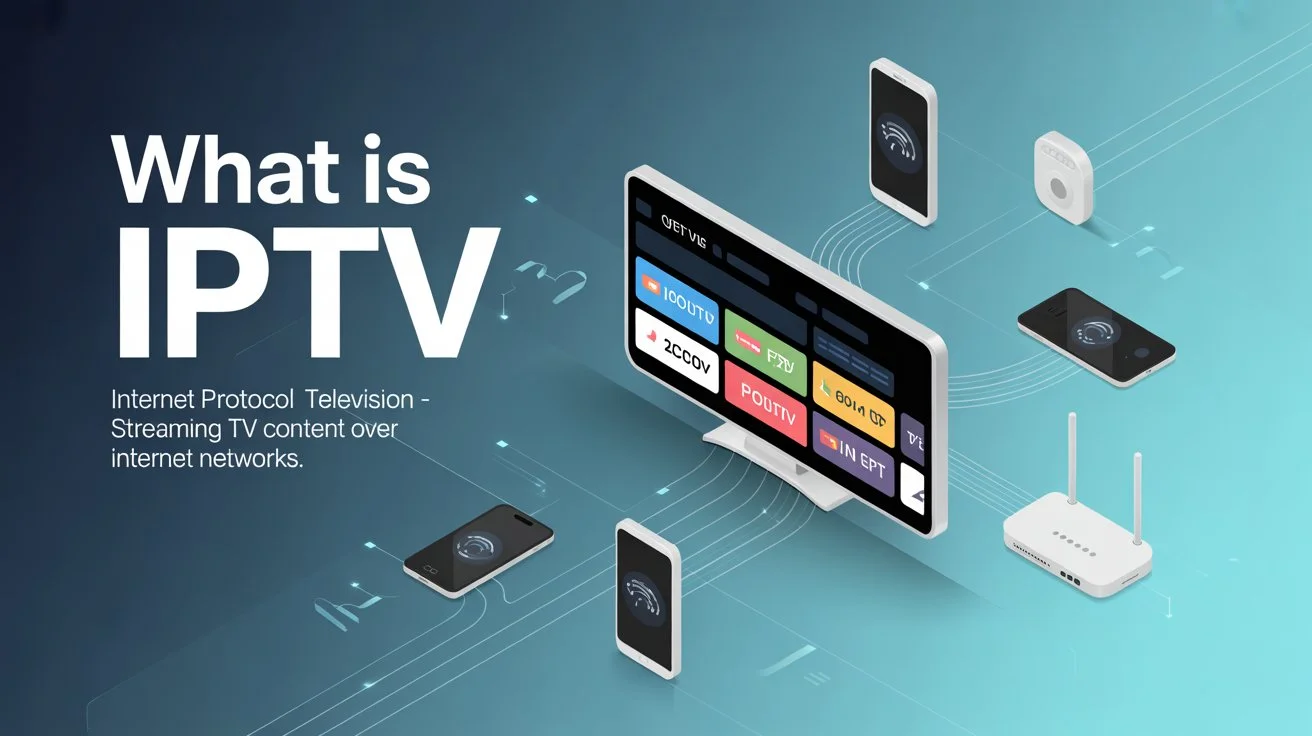
What Is IPTV?
IPTV stands for Internet Protocol Television.
In simple terms, it is the delivery of television content over a managed network or the internet using the Internet Protocol (IP) suite—the same protocol used for sending emails and browsing the web.
Instead of broadcasting multiple channels to everyone simultaneously (like traditional TV), IPTV sends one program at a time from the server to the end-user. When you change the channel, a new stream of data is sent directly from the provider’s server to your device.
IPTV vs. Traditional Television: The Difference
To understand IPTV, it helps to compare it to how we used to watch TV:
Traditional Broadcasting (Terrestrial, Satellite, Cable): Content is transmitted as a signal through the air, from a satellite, or through a coaxial cable. These methods broadcast all channels simultaneously. Your receiver (TV or set-top box) simply picks the channel frequency you want from the “river” of data flowing in.
IPTV: The content resides on servers. When you select a program, the server sends that specific data to your device. It is a unicast system (point-to-point) rather than a broadcast system.
How Does IPTV Work?
The technical process of IPTV involves encoding, streaming, and decoding. Here is a step-by-step breakdown of how content gets from the source to your screen:
1. Content Acquisition and Encoding
The first step involves gathering video content from various sources (live TV feeds, pre-recorded movies, etc.). This raw video is then encoded into a digital format that can be transmitted over the internet. Codecs like H.264 or H.265 are used to compress the video to reduce file size without sacrificing quality.
2. Segmentation and Streaming
Once encoded, the video is broken down into small data packets. These packets are sent over IP networks. IPTV relies on multicasting for live TV (sending one stream to many users simultaneously) and unicasting for Video on Demand (sending a unique stream to one user).
3. The Delivery Network
The content is distributed through a managed network. Unlike the public internet (which is “best effort”), IPTV providers often use a private, managed network with Quality of Service (QoS) controls. This ensures that packets arrive in the correct order and without delay, preventing buffering and ensuring a smooth viewing experience.
4. The End-User Experience (The Set-Top Box)
To view IPTV, you generally need a device that can receive, decode, and display the video stream. This is often a Set-Top Box (STB) . The STB connects to your router, requests the channel you selected, receives the IP packets, reassembles them in the correct order, decodes the video, and sends it to your TV via HDMI.
The Three Main Types of IPTV Services
IPTV is not just one thing; it encompasses three distinct types of service delivery:
Live Television: This is real-time broadcasting, just like standard TV. You watch a program as it airs (e.g., a sports game or a news broadcast).
Video on Demand (VOD): This allows users to select and watch content from a library whenever they choose. There is no time constraint or broadcast schedule (e.g., streaming a specific movie or TV series).
Time-Shifted TV: This is a hybrid of the first two. It allows users to watch previously broadcasted live TV shows at a later time. The most common example is Catch-Up TV, where a show that aired a few hours or days ago is available to stream for a limited period. True Start-Over TV allows you to restart a currently airing program from the beginning.
What Do You Need to Access IPTV?
To use an IPTV service, you generally need three things:
A Stable Internet Connection: A broadband connection with sufficient speed is required to handle the video stream. HD content usually requires 5-10 Mbps, while 4K content may require 25 Mbps or more.
Middleware and Subscription: Access is usually controlled by a subscription service. Middleware is the software layer that sits between the user and the content, providing the user interface, channel guide, and authentication.
A Compatible Device: This can be a dedicated IPTV set-top box, a smart TV with a native app, or a mobile device/computer running compatible software.
Summary
IPTV represents a fundamental shift in television technology. By using the Internet Protocol, it offers greater flexibility than traditional broadcast methods, allowing for interactivity, video on demand, and personalized viewing experiences. As internet infrastructure continues to improve globally, IPTV is becoming a standard method for content delivery worldwide.