
IPTV Setup on Firestick for Beginners: Lemo IPTV Guide
Streaming TV has never been easier, and if you’re new to IPTV, Lemo IPTV offers a seamless way to enjoy live channels, movies, and series directly on your Firestick. This guide will walk you through IPTV setup on Firestick, making it simple even for beginners.
Whether you’re looking to cut the cord or just want more flexibility with your streaming, this guide covers everything from installation to troubleshooting. By the end, you’ll have your Firestick ready for unlimited entertainment.
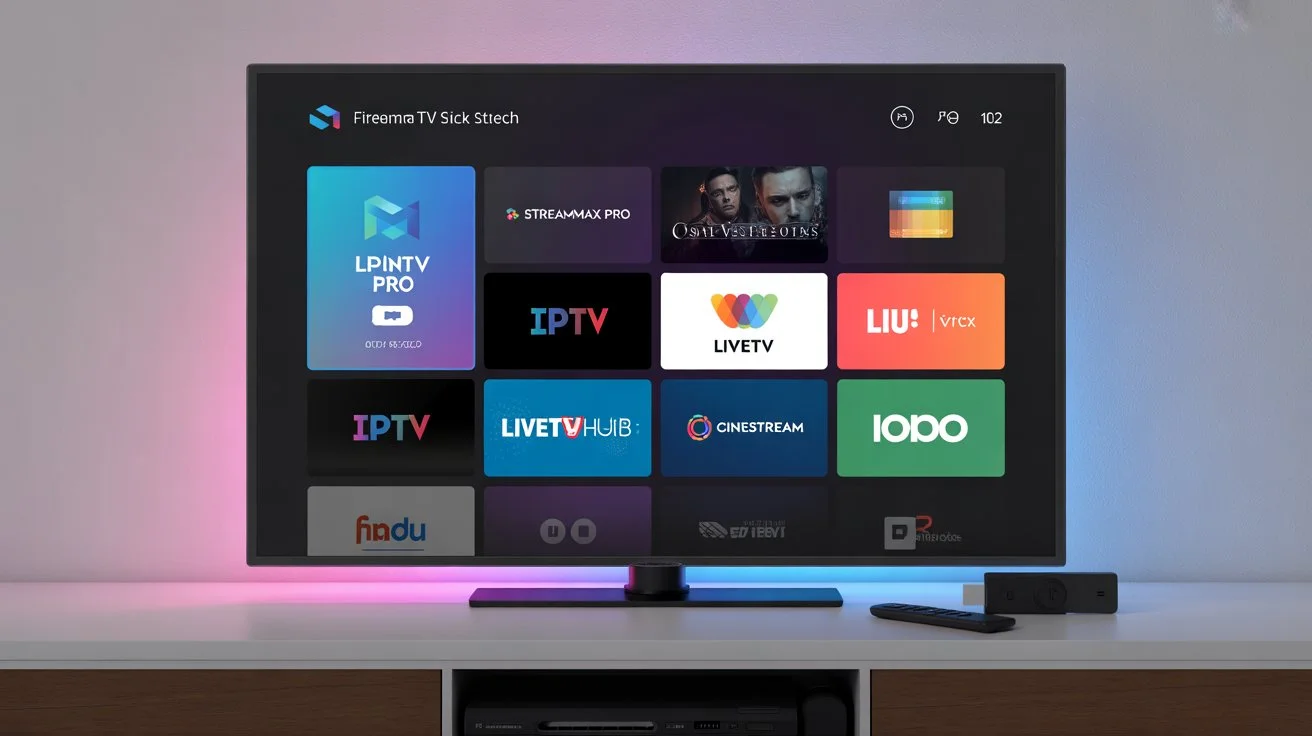
Why Choose Lemo IPTV for Firestick?
Using Lemo IPTV on Firestick offers several benefits:
Wide Compatibility: Works on Amazon Fire TV, Firestick, and Fire TV Cube.
User-Friendly Interface: Easy navigation for beginners.
High-Quality Streaming: Enjoy HD and 4K channels with minimal buffering.
Regular Updates: Channels and apps are continuously updated for a smooth experience.
By using Lemo IPTV, you can skip complex setups and enjoy streaming in minutes.
How to Install IPTV on Firestick
Setting up IPTV on Firestick is straightforward. Here’s a step-by-step guide to install IPTV on Firestick using a reliable app:
Step 1: Prepare Your Firestick
Turn on your Firestick and go to Settings.
Navigate to My Fire TV > Developer Options.
Enable Apps from Unknown Sources.
This allows you to install IPTV apps not available on the Amazon App Store.
Step 2: Install a Compatible IPTV App
The best IPTV app for Firestick depends on personal preference, but popular options include:
Smart IPTV
TiviMate
IPTV Smarters
Use the Downloader App on Firestick to sideload the IPTV app if it’s not available in the store.
Step 3: Add Your Lemo IPTV Subscription
Open the IPTV app.
Enter your Lemo IPTV login credentials or M3U URL.
Confirm and load your channels.
Your Firestick is now ready for streaming with Lemo IPTV.
Setting Up IPTV on Amazon Firestick: Tips for Beginners
Here are some extra tips for a smoother IPTV setup on Firestick:
Check Internet Speed: For HD streaming, 10 Mbps is recommended.
Use a VPN: Optional but ensures privacy while streaming.
Update Apps Regularly: Keep your IPTV app and Firestick firmware up-to-date.
Organize Channels: Many IPTV apps allow you to create favorites or categories for easier navigation.
Internal Linking Suggestions
Learn more about Lemo IPTV setup for detailed guides and troubleshooting tips.
Explore Lemo IPTV subscription plans to find the best plan for your needs.
Check our guide on Best IPTV app for Firestick to pick the right app for your streaming preferences.
Call to Action
Ready to start streaming? Try Lemo IPTV today to enjoy seamless entertainment on your Firestick with minimal setup.
Frequently Asked Questions
What is Lemo IPTV and how does it work?
Lemo IPTV is an Internet-based TV service that streams live channels, movies, and series directly to devices like Firestick. You simply need a subscription and an IPTV app to access the content.
Can I use Lemo IPTV on Smart TVs?
Yes! Lemo IPTV is compatible with most Smart TVs, including Samsung, LG, and Android-based TVs. You can also mirror content from Firestick if needed.
How do I set up Lemo IPTV on Firestick?
To set up Lemo IPTV on Firestick, enable apps from unknown sources, install a compatible IPTV app, and enter your Lemo IPTV credentials or M3U URL. Channels will load automatically.
What devices are compatible with Lemo IPTV?
Lemo IPTV works on Firestick, Fire TV Cube, Android boxes, Smart TVs, and mobile devices like Android and iOS phones.
How to troubleshoot Lemo IPTV buffering issues?
Ensure stable internet connection (minimum 10 Mbps).
Restart your IPTV app and Firestick.
Use a VPN to avoid throttling from your ISP.
Check for app updates or contact Lemo IPTV support.
Conclusion
Setting up Lemo IPTV on Firestick is easy and beginner-friendly. By following this guide, you can enjoy live channels, movies, and series without any hassle. Remember to keep your IPTV app updated and maintain a stable internet connection for the best experience.
Start your streaming journey today and explore endless entertainment with Lemo IPTV on Firestick.